
An RSVP tracker should answer four questions at a glance: who’s coming, who has not replied, what guests may need, and how many people to plan for. You can organize a small celebration with a notebook or basic spreadsheet rather than a complicated app. Use the copy-ready table and sample calculations below to avoid guessing attendance.
Begin with one clear guest list
Enter one row per invitation or household, but track the actual number of people included. If you invite a couple plus one child, the invited count is three even when you send only one message. Keep this file private instead of sharing an open link.
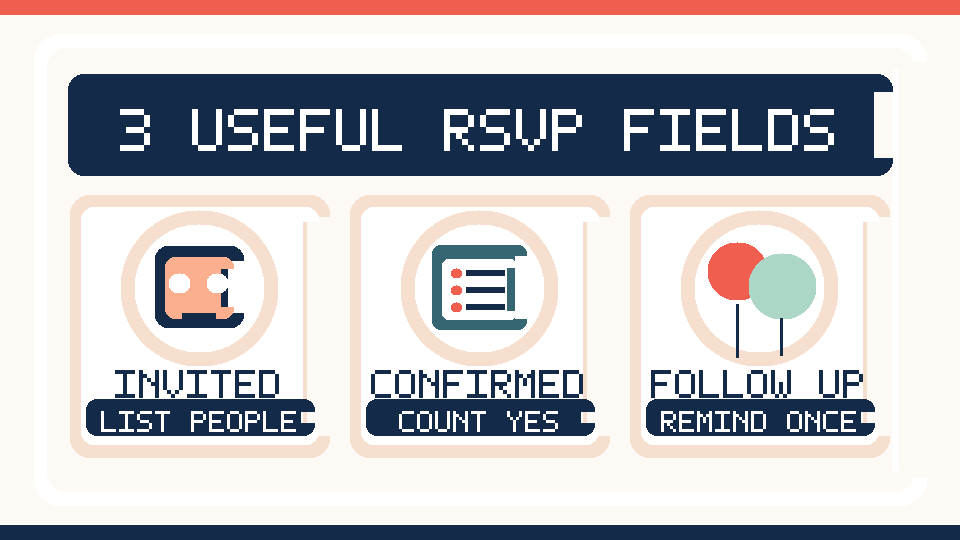
Seven columns for a practical RSVP tracker
| Column | Example entry | Purpose |
|---|---|---|
| Guest or household | Taylor household | Identify the invitation |
| Number invited | 3 | Estimate total capacity |
| Response status | Waiting / Yes / No | Know what is confirmed |
| Confirmed attendance | 0 until confirmed | Count actual expected people |
| Food or access requests | Discuss privately | Plan considerate accommodations |
| Last message | October 12 | Prevent duplicate reminders |
| Next action | Reminder October 16 | Know what to do next |
When you collect dietary or access information, ask only what helps the event run comfortably. Do not add health diagnoses, passwords, payment information or other sensitive details to a guest spreadsheet.
Guest-count example: invitations are not confirmations
Imagine that you have invited 18 individuals. Thirteen people reply yes, three decline and two have not answered. The total invited is 18, but the confirmed headcount is 13. Decide how much extra capacity you can provide for the two possible guests before ordering food or renting equipment.
| RSVP status | People | How to count |
|---|---|---|
| Yes | 13 | Confirmed headcount |
| No | 3 | Exclude from food count |
| Waiting | 2 | Follow up before your cutoff |
| Total invited | 18 | Not the same as attendance |
Set the RSVP deadline backwards from your purchase date
Start with the deadline your caterer, rental company or venue actually requires. For an informal event with no suppliers, choose a reasonable cutoff before shopping. Write the date in both the invitation and any reminder. A deadline only helps when guests know why you need a response.
Friendly invitation you can copy
You’re invited! We’re hosting a small gathering on [date] from [time] to [time] at [location]. We’d love to see you. Please reply by [RSVP date] and tell us how many people in your group can attend. If you have any food or accessibility needs relevant to the gathering, you can let us know privately. Thanks!
A polite reminder message
Quick RSVP reminder: We’re finalizing the guest count for [occasion] on [date]. Could you let us know by [deadline] whether you’ll be able to come, and how many people to expect? We hope to see you!
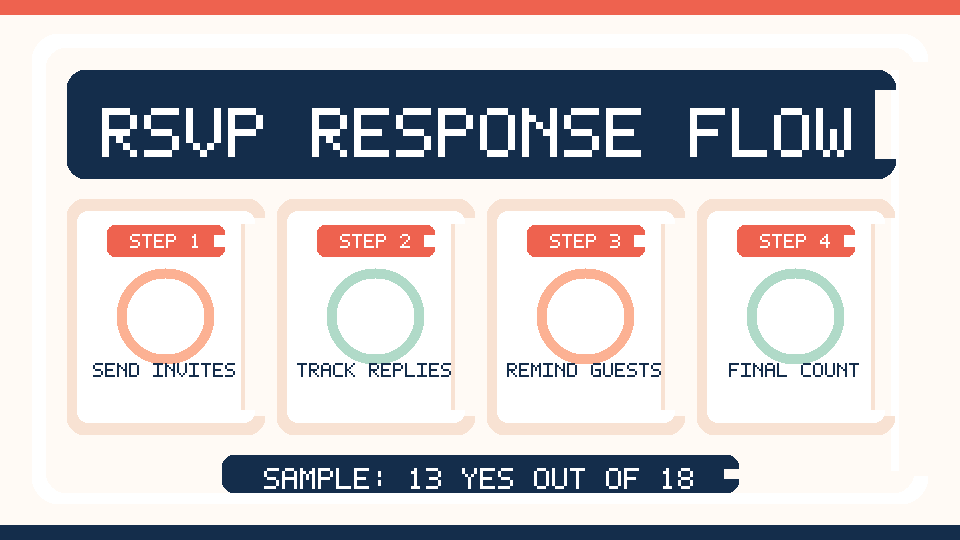
A seven-day response-management timeline
| When | Action | Why |
|---|---|---|
| 7 days before | Review missing replies | Identify who still needs a reminder |
| 5 days before | Send one polite reminder | Avoid multiple messages |
| 3 days before | Update guest count and key needs | Match seating and supplies |
| 2 days before | Close RSVP list if appropriate | Commit to purchases |
| 1 day before | Share arrival details | Reduce questions on event day |
| Event day | Keep a simple attendance note | Adjust setup when plans change |
What if an entire family has not replied?
Send one message to the contact person and ask for the number attending, rather than assuming every person in the household will arrive. If you cannot reach them by the deadline, keep their status marked waiting; do not change it to yes simply because they were invited.
How to handle last-minute cancellations
- Update the confirmed total immediately and only adjust orders when supplier deadlines permit.
- Avoid sharing why a guest canceled with others unless they have given permission.
- If a person asks to bring an extra guest, check actual seating, space and food capacity before agreeing.
- Keep a small supplies reserve if your budget and venue allow it; do not buy a full extra meal for every non-response.
- Communicate important changes to the people managing seating and service.
Optional spreadsheet formulas
If every person has their own row in a spreadsheet, use a status column and count exact Yes responses. If you track households, you need to sum the confirmed-attendance numbers for rows marked Yes, not merely count Yes rows. For example, with status in column C and confirmed attendees in column D, =SUMIF(C2:C50,"Yes",D2:D50) gives the confirmed headcount for that layout. Verify your actual column positions before copying the formula.
Protect guest information
Keep the guest list restricted to the host or trusted organizer. Avoid publicly posting phone numbers, private addresses or attendance details. When the event is over, delete unnecessary personal details according to your own reasonable retention needs.
Checklist before you finalize
- Each invitation has a corresponding row or household entry.
- Household sizes are entered accurately.
- Confirmed and waiting guests are counted separately.
- RSVP deadline matches supplier deadlines.
- Relevant food and access requests have a responsible organizer.
- No sensitive private data is in a broadly shared file.
- Seating, refreshments and supplies match the confirmed attendance.
Frequently asked questions
How many RSVP reminders should I send?
For a casual gathering, one thoughtful reminder near the deadline is usually enough. People can be busy or may not be able to attend; avoid pressuring them.
Should I plan food for everyone invited?
Not automatically. Start with confirmed attendees, review outstanding responses and choose a modest contingency that fits your event’s practical constraints.
Can I track families on one row?
Yes, if you record the actual number invited and confirmed for that household. Otherwise, counting rows will give you an incorrect headcount.
Final takeaway
A helpful RSVP tracker is simple: record the invitation, response, confirmed headcount and next action. Accurate counts support a more comfortable party and reduce last-minute spending.
Editorial note: This article provides general event-planning guidance; choose reasonable privacy practices for the information you collect. Updated October 9, 2026.
Related planning guides: Explore our party budget worksheet and graduation party checklist for more useful checklists. Image disclosure: Images in this guide are AI-generated illustrative concepts, not photographs documenting an actual event.
Keep planning: New to hosting? Visit our Start Here guide for an easy five-step plan, or browse Party Guides for more checklists and practical examples.

