
A successful movie night at home is more about clear sight lines, comfortable seats and reliable playback than buying a new projector. For a group of ten, choose the viewing area first, test the screen and sound ahead of time, and plan snacks that do not interrupt the film. This example covers an ordinary private gathering, not a public screening or commercial event.
Choose a screen everyone can actually see
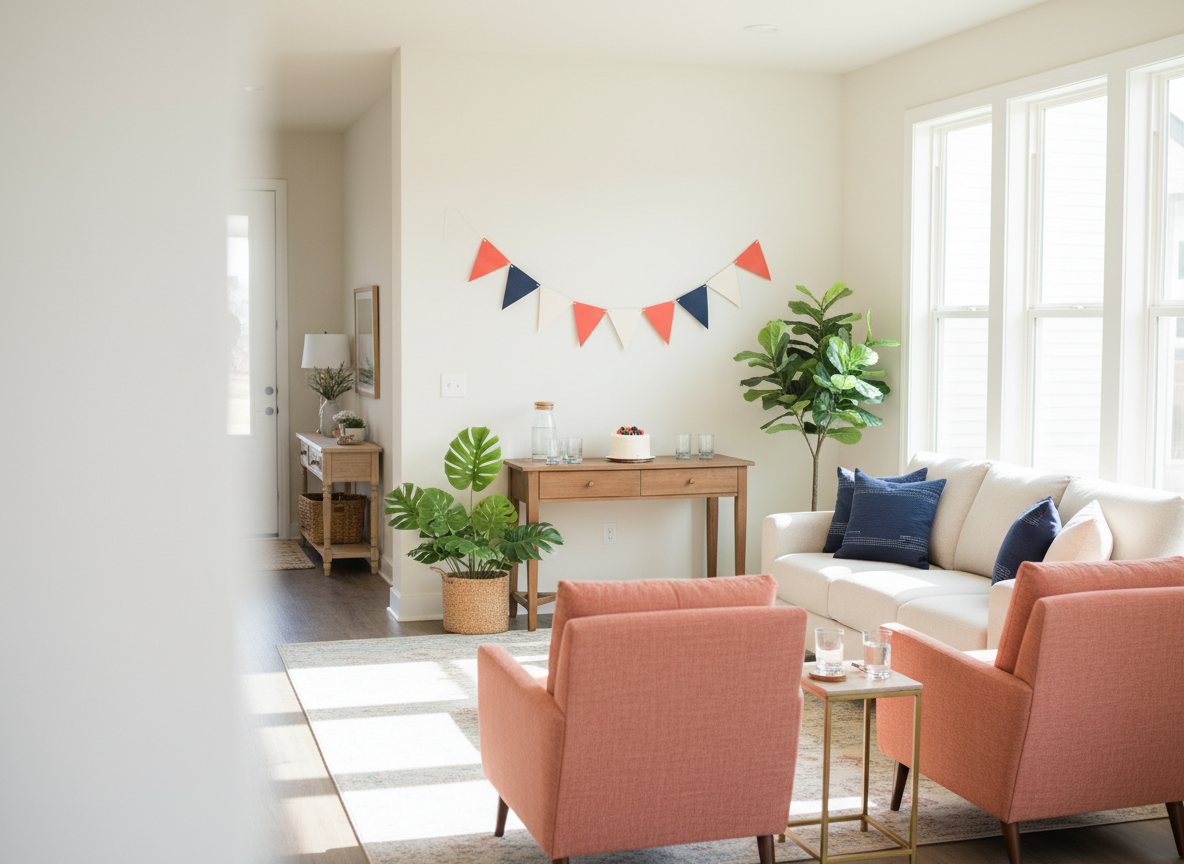
Seat ten people at roughly the same viewing angle when the room allows. Before inviting the group, test the screen from the farthest and most side-facing seats. A large TV often works better than a projector in a bright room; a projector may need blackout curtains, suitable throw distance and a stable surface. Keep cable runs outside traffic routes or secure them appropriately. Do not place equipment where it blocks exits.
Divide the room into two seating rows
Try one sofa row and a second row of sturdy dining or folding chairs, with enough space for people to enter and leave. Avoid floor seating as the only option: guests may need chair-height support or a direct route to a restroom. Put the snack table away from the screen to reduce movement in front of viewers. If the room cannot fit ten safe sight lines, offer two smaller screenings instead of crowding it.
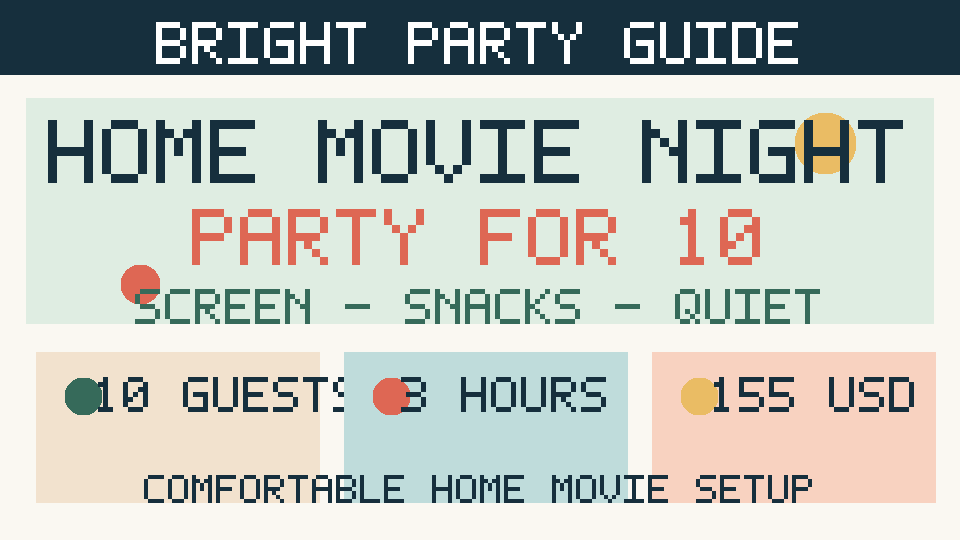
Illustrative movie-night budget for ten
These are hypothetical allowances for a host who already owns a screen and seating; they are not quotes for equipment or groceries. If projector rental or extra chairs are needed, request real prices and revise the budget before invitations go out.
| Item | Sample allowance |
|---|---|
| Savory snacks | $45 |
| Fruit or sweet snacks | $20 |
| Nonalcoholic drinks | $25 |
| Comfort supplies | $15 |
| Napkins and bowls | $10 |
| Reserve | $40 |
| Illustrative total | $155 |
Run the technology test the day before
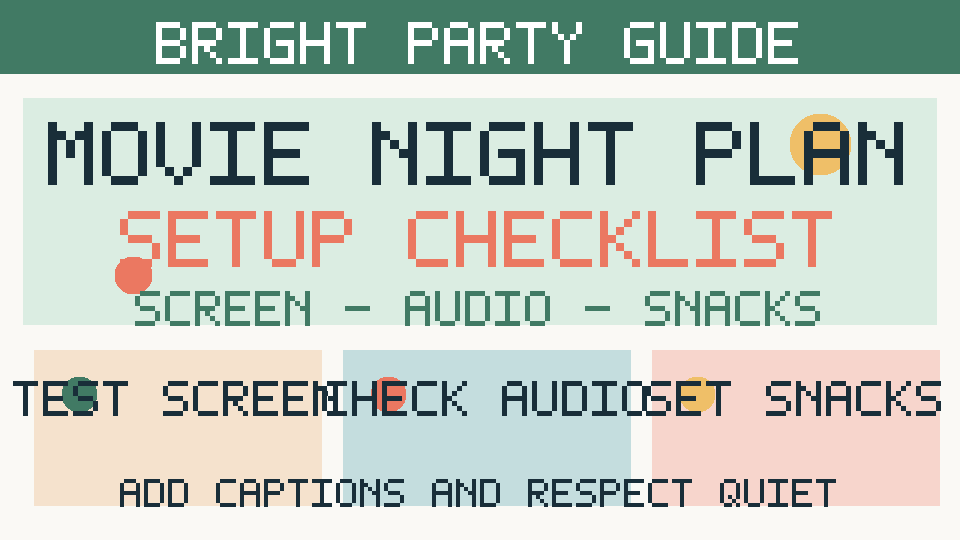
Check that the film is available on your own permitted viewing service, device and region. Verify video output, Wi-Fi reliability, subtitle settings, sound volume and remote batteries. Some streaming apps restrict mirroring or external displays; test the exact playback method rather than assuming a laptop-to-projector cable will work. Download or offline viewing may be limited by the service. Plan a simple lawful backup title if the first choice will not play.
Share the film choice fairly
Offer two or three age-appropriate options and ask guests to choose before the evening. Avoid surprise films with strong content that someone may wish to avoid. If children are attending, coordinate with their caregivers on rating and supervision. Ask whether captions or audio descriptions would help. Don’t ask guests to disclose personal needs to the entire group.
Build a self-serve snack station
For ten, choose two savory options, one sweet option and water plus another nonalcoholic beverage. Put napkins and small bowls near the refreshments rather than by electronics. Ask about allergies and ingredient preferences in advance, then label foods honestly; do not claim an allergen-free kitchen without appropriate controls. Keep cold perishable dips and cut fruit refrigerated or on ice and serve small refills. Make a trash point easily visible.
A three-hour timeline with a clear end
0:00–0:20 arrivals, seating and snack pickup. 0:20–0:30 introductions and final technical check. 0:30–2:30 movie slot, adjusted for the chosen film’s actual runtime. 2:30–2:45 brief conversation or a scheduled break. 2:45–3:00 friendly goodbyes and cleanup. If the film is longer than two hours, update the invitation with the true finish time rather than forcing a three-hour plan.
Neighbor-friendly sound and lighting
Check residential quiet-hour rules and any building policy. Keep the volume conversational outside the movie audio, close doors and windows if appropriate, and use subtitles rather than turning up sound to overcome noise. Avoid outdoor projection or amplified sound without checking local restrictions. Leave a dim safe route to the bathroom; never fully darken stairs or exit paths.
Copyright and privacy basics for hosts
Use a legitimate account or licensed movie source and follow its viewing terms. A private home gathering is not the same as an advertised ticketed or public screening; public showings may require additional permissions. Avoid recording or broadcasting movie footage. Ask before sharing guest photos and do not post other people’s reactions without permission.
What to do when something fails
If the projector does not connect, switch to the TV that was tested earlier; avoid wasting the first half-hour searching for adapters. If food delivery is delayed, begin with the shelf-stable snacks already prepared. If a guest needs a quiet break, offer another comfortable space. If sound carries to neighboring apartments, reduce it immediately and turn on captions.
Frequently asked questions
Do I need a projector? No, a sufficiently visible TV may be more reliable. How much popcorn do ten people need? Begin with modest portions and replenish to avoid waste; adjust for other snacks. Can guests choose their seats? Yes, but keep accessible and unobstructed seats available. Is it okay to charge tickets? Ticketed or public screenings raise permissions questions beyond this casual home-party guide.
Copy-ready host checklist
- Test the screen from all ten seats
- Check captions, audio and permitted playback
- Keep cables and walkways clear
- Pick two simple snacks and water
- Confirm quiet-hours and realistic finish time
- Plan a backup screen or movie option
Sources, disclosures and related guides
Official safety resource: FoodSafety.gov: Food Safety Basics. Confirm local regulations and equipment details directly.
Explore related planning guides: Game night for 8; Party budget worksheet; RSVP guest tracker. Or begin with Start Here.
Editorial disclosure: Sample prices, schedules and scenarios are illustrative rather than local quotes or documented real events. Original explanatory images are planning visuals, not photographs of an actual event. Last reviewed October 11, 2026.

